





◆ ARTICLE
Core Web Vitals in practice: why website speed is real money
◆ DETAILS
LCP, INP and CLS sound technical, but they describe something very simple: whether your website is comfortable to use. We explain the metrics without jargon and show what improves them.
Website speed is not just a matter of convenience. A slow website puts customers off, lowers the effectiveness of ads and can affect visibility in Google. For several years Google has measured user experience with the Core Web Vitals metrics. We explain what they are, which values to aim for and what to do to make your website faster.
What are Core Web Vitals?
They are three metrics describing how users experience the loading and responsiveness of a page. Google describes them in detail on web.dev.
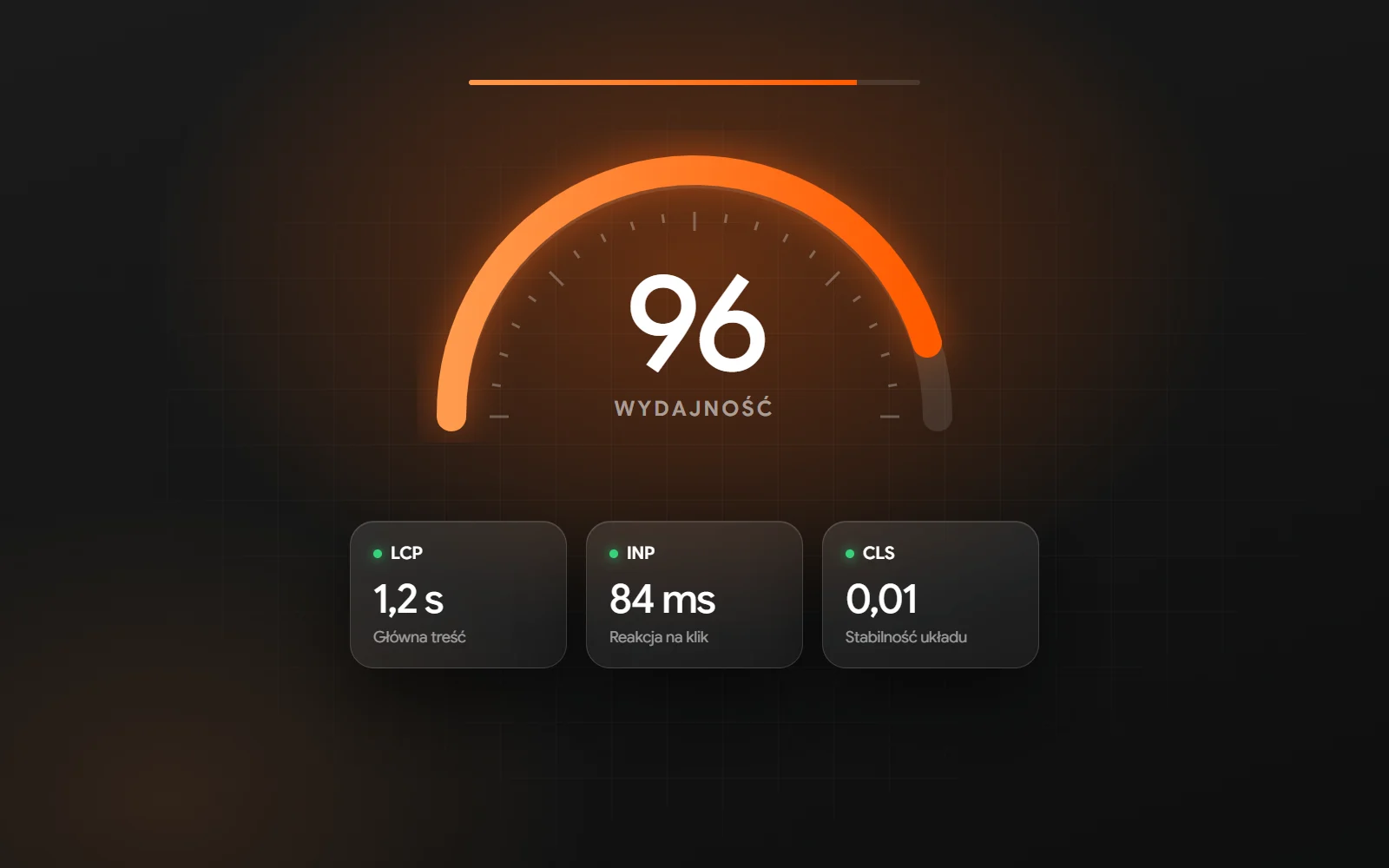
LCP - Largest Contentful Paint
Measures how quickly the largest element on the first screen appears, such as the main image or the heading. A good result is up to 2.5 seconds.
INP - Interaction to Next Paint
Measures how quickly the page responds to clicks, taps and typing. A good result is up to 200 milliseconds.
CLS - Cumulative Layout Shift
Measures how much elements move while the page loads - for example when text "jumps" because an image suddenly appears above it. A good result is up to 0.1.
Why does it matter for a business?
- users abandon slow websites more quickly, especially on mobile
- ads that lead to a slow page are less effective
- speed is one of the signals Google takes into account
- a store that runs smoothly makes shopping easier
How to check your website?
The easiest way is PageSpeed Insights. It shows data from real visits (if the page has enough traffic) and the results of a lab test, together with a list of things to improve. It is worth checking both the home page and the key pages: services, categories and product pages.
The most common causes of a slow website
- images that are too large and uncompressed
- heavy themes and too many plugins
- many third-party scripts: chats, widgets, ad pixels
- no caching and slow hosting
- videos loaded in full quality straight away
- fonts and styles that block rendering
What to fix first?
Images
Modern formats (WebP, AVIF), the right sizes for mobile and desktop, lazy loading for images below the first screen. This is often the biggest and easiest improvement.
Code and scripts
Fewer plugins, removing unused code, deferring scripts that are not needed straight away. On new projects we write lightweight, bespoke code instead of using all-purpose themes.
A stable layout
Reserving space for images, videos and ads so nothing moves while the page loads.
Server and cache
Fast hosting, caching and file compression. A good server setup can cut loading time even without changes to the website.
Speed is a process, not a one-off
Every new plugin, image or script can slow the website down. That is why regular speed monitoring is part of our website care, and on new projects we plan for speed from day one - both for websites and for online stores.
Frequently asked questions
Is a PageSpeed score of 100 necessary?
No. Good Core Web Vitals values from real visits matter more, as does whether the website feels fast to users.
Does speed affect Google rankings?
It is one of many factors. It matters most when competing pages match the query similarly well.
What if my website is very slow?
Start with an audit. Often a few changes - images, plugins, caching - make a big difference. If you like, we will check your website - write to us.
◆ MORE GOOD THINGS
SEE OUR BLOG




 We respect your privacy